You haven't signed in yet, you can have a better experience after signing in
Bandicam Mac screen recording ultra high definition screen recording tool software
Activity Rules
1、Activity time:{{ info.groupon.start_at }} ~ {{ info.groupon.end_at }}。
1、Activity time:cease when sold out。
2、Validity period of the Group Buying:{{ info.groupon.expire_days * 24 }} hours。
3、Number of Group Buying:{{ info.groupon.need_count }}x。
Please Pay Attention
1、Teamwork process: Join/initiate a Group Buying and make a successful payment - Within the validity period, the number of team members meets the activity requirements - Group Buying succeeded!
2、If the number of participants cannot be met within the valid period, the group will fail, and the paid amount will be refunded in the original way.
3、The number of people required and the time of the event may vary among different products. Please pay attention to the rules of the event.
With Bandicam, you can easily record any area on your Mac screen, supporting synchronized recording of system sound and microphone, and adding camera overlay. After recording, you can quickly edit the recorded content to create a perfect movie.
Core features of Bandicam macOS:
Ultra clear resolution
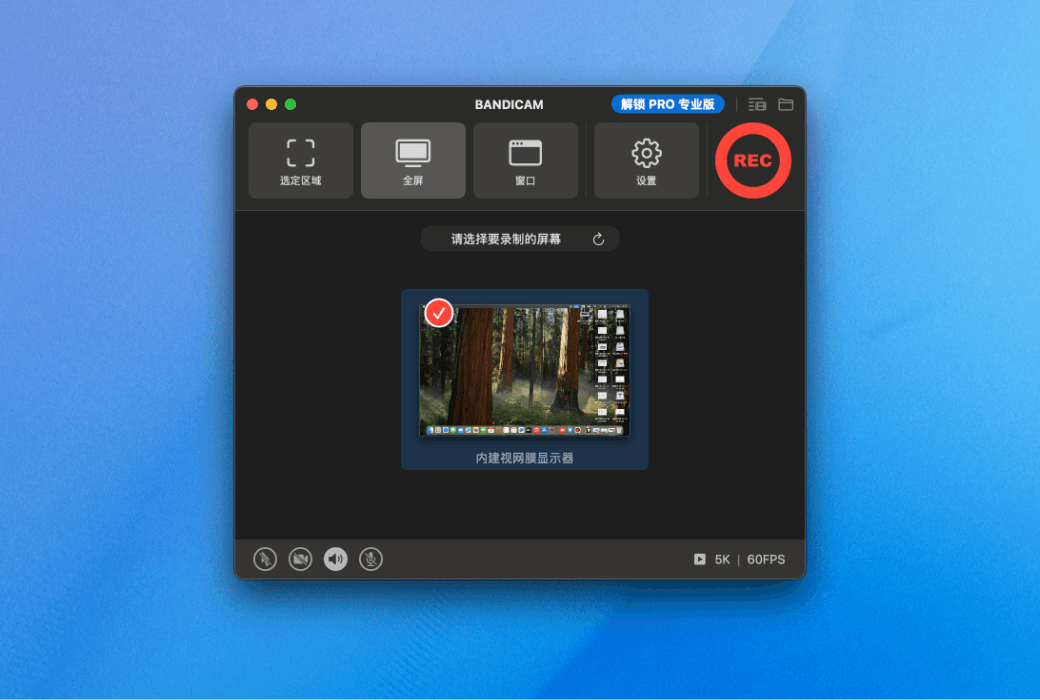
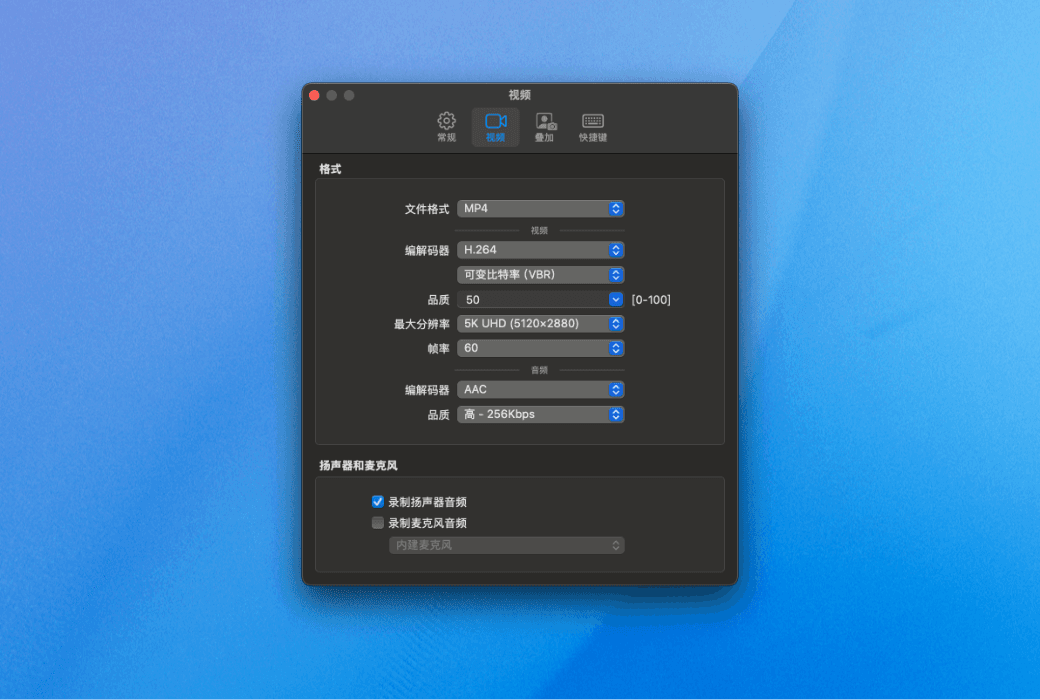
With Bandicam macOS version, you can record screen content with up to 5K ultra clear resolution, with delicate and clear picture quality, suitable for various professional recording needs. Supports 60 frames per second (60FPS) for smooth operation
Flexible selection of recording area
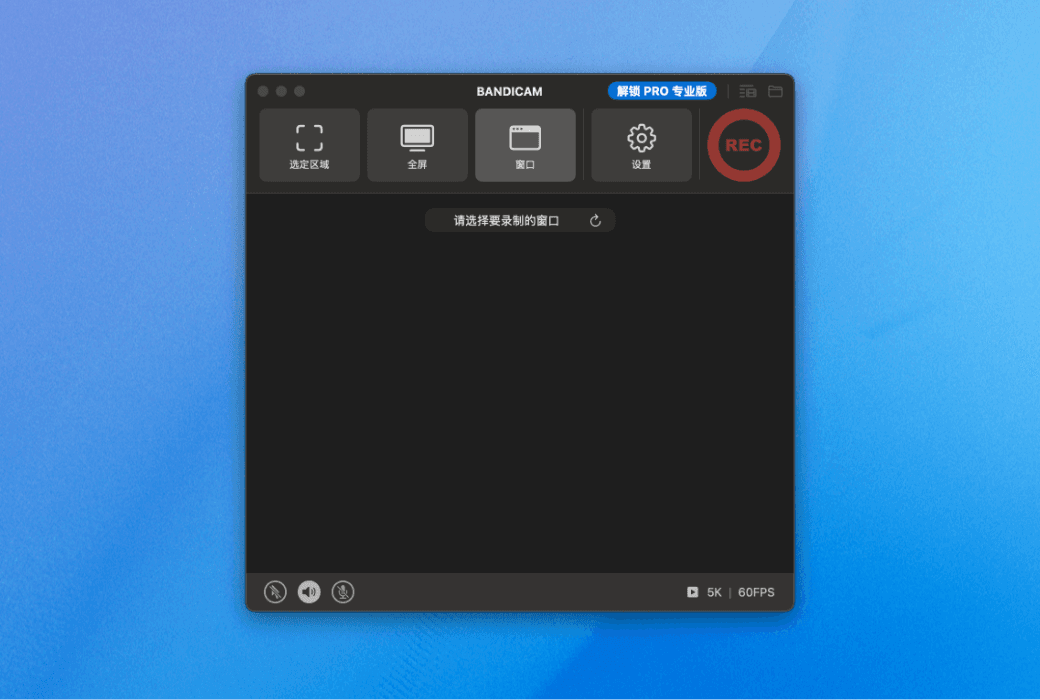
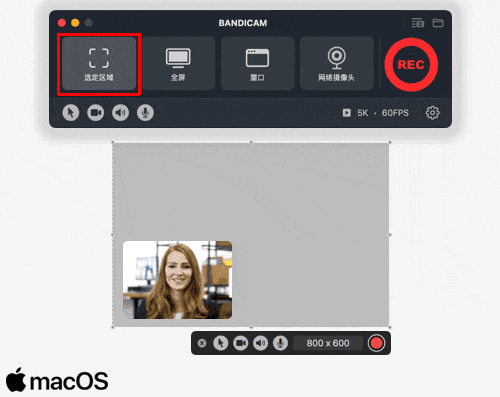
Support free selection of recording area: Whether it is a designated area, a specific window, or full screen display, it can be easily recorded to meet various screen recording needs and accurately capture the desired image.
Synchronize screen and camera recording
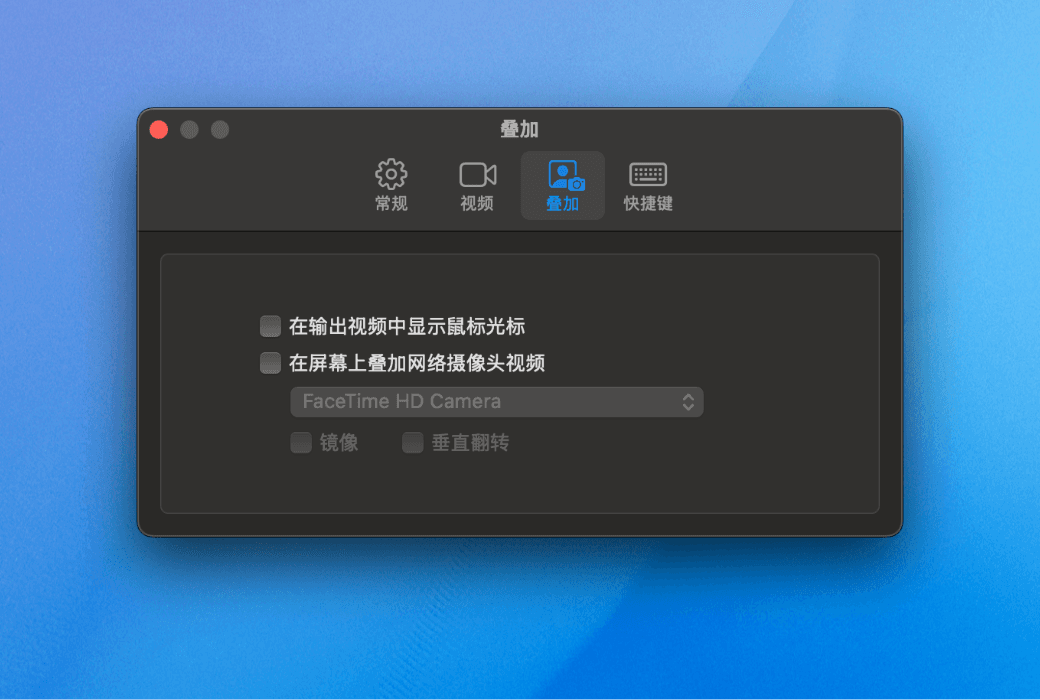
Bandicam macOS version supports overlaying camera footage onto screen recording, allowing you to display both the operation screen and your own image simultaneously. Very suitable for creating interactive content such as instructional videos and game commentary, greatly enhancing the professionalism and viewing experience of the film.
Clear audio recording
Bandicam macOS version can simultaneously record system and microphone sound, ensuring pure and clear sound quality, and perfectly restoring every sound detail.
Built in video editing function
After recording is completed, you can immediately use the built-in video editing tool to quickly crop unnecessary clips, easily save the most perfect recording content, and improve post-processing efficiency.

Official website:https://www.bandicam.cn/mac/
Download Center:https://bandicam-mac.apsgo.cn
Backup Download:N/A
Delivery time:Manual online processing
Operating Platform:macOS
Interface language:Supports Chinese interface display and multiple language options.
Update Description:Free updates and usage during the subscription period.
Trial before purchase:Free trial is available before purchase.
How to receive goods:After purchase, the activation information will be sent to the email address at the time of placing the order, and the corresponding product activation code can be viewed in the personal center, My Orders.
Number of devices:Can install 1 Mac.
Replace computer:Uninstall the original computer and activate the new computer.
Activation guidance:To be added.
Special note:To be added.
reference material:https://www.bandicam.cn/mac/
Any question
Bandicam is a lightweight and high-performance screen recording software designed specifically for macOS, capable of capturing all content on Mac screens with high quality.
Whether it's recording games, online courses, video conferences, or software tutorials, Bandicam can bring you an intuitive, smooth, and powerful recording experience.
Main functions
Bandicam is not only a screen recording tool, but also a comprehensive recording solution that combines usability and professionalism, helping users easily complete various screen recording needs.

Screen recording: Flexibly record specified areas, full screen, or specific windows/applications to meet different scene requirements.
Network camera recording: supports the use of built-in or external cameras to record people, objects, or teaching images, easily obtaining high-quality images.
Camera Picture in Picture: Supports simultaneous recording of portrait and screen content, suitable for commentary, demonstration, and teaching.
Audio recording: It can synchronously collect system sound and microphone audio without the need to install additional drivers or software.
Ultra high definition output: Supports saving in MP4 or MOV format, with a maximum resolution of 5K and a frame rate of 60FPS.
Built in video editing: videos can be quickly cropped within the software without the need for additional video editing software.
Secure and Private: Recording files are saved locally, effectively ensuring the security of personal and corporate video data.
Applicable scenarios
Online meetings and courses: record online meetings or courses on platforms such as Tencent Meeting and DingTalk.
Game recording: Capture high frame rate game graphics supported by macOS and preserve exciting moments.
Teaching and Demonstration: Create clear and synchronized educational videos, operational demonstrations, and training courses.
Video creation: easily create Bilibili, Tiktok, Kwai or Little Red Book videos with portrait commentary and system sound.
system requirements
Operating System: macOS 13.0 (Ventura) or higher.
Acquisition method: can be obtained at Mac App Store Free download.